Getting Started
Prerequisites
Before accessing the mlangles mlops platform, the following prerequisites must be fulfilled:
Acquiring License and Provisioning
- A valid license is required for:
- The desired number of users
- Business units
- Selected modules (e.g., Projects, Pipelines, Experiments, ModelHub, Serving, Monitoring)
- The agreed subscription duration (e.g., 30/60/90 days)
- Once the license is provisioned, a registration email is sent to the designated organization administrator.
- Multi tenancy is a built-in feature in mlangles thus as part of the licensing agreement, a tenant is created in the mlangles database.
- This tenant is used for managing access and user control within the platform.
Note : Throughout this guide, the term <TENANT> is used as a placeholder for tenant-specific arguments that refer to provisioned tenants in the platform.
Downloading Supported Browsers
- The platform is available and accessible on all modern web browsers such as Firefox, Chrome, Edge etc.
Azure AD Configuration (for SSO Integration)
- Before configuring identity provider (IdP) credentials, an Azure AD Single Page Application (SPA) must be created with the following:
- API Permissions:
- User.Read
- Directory.Read.All
- Redirect URI:
- API Permissions:
How to Log In
After receiving the registration email:
1 Admin Registration
- The designated admin must register by providing:
- Full name
- Email address
- Password
- An activation email will be sent. Clicking the activation link will verify the admin account.
2 Account Activation
- Once activated, the administrator can log in to the platform using the registered email and password at:
https://mlopsv2.mlangles.ai/tenant/login
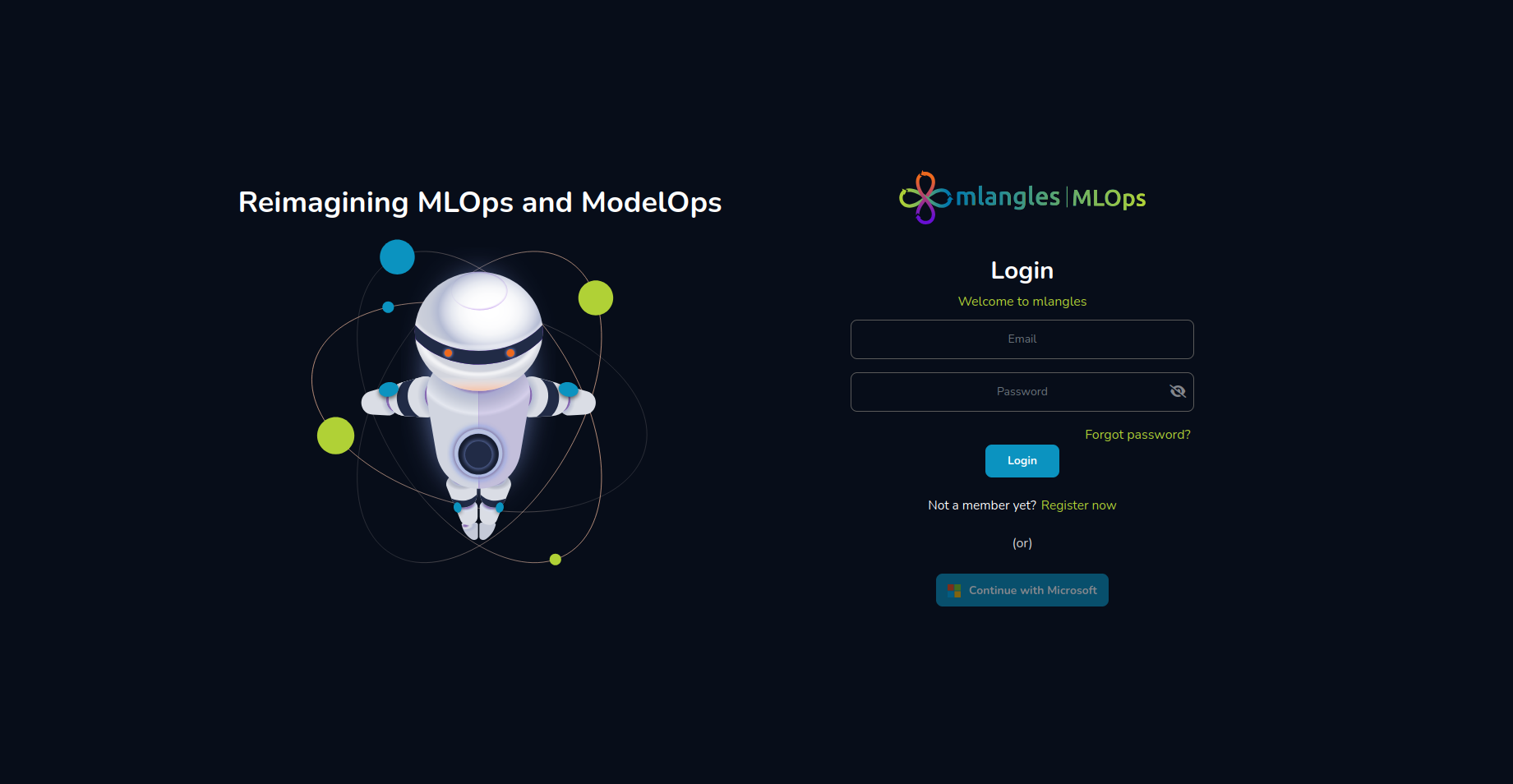
Figure 1 – Login Screen